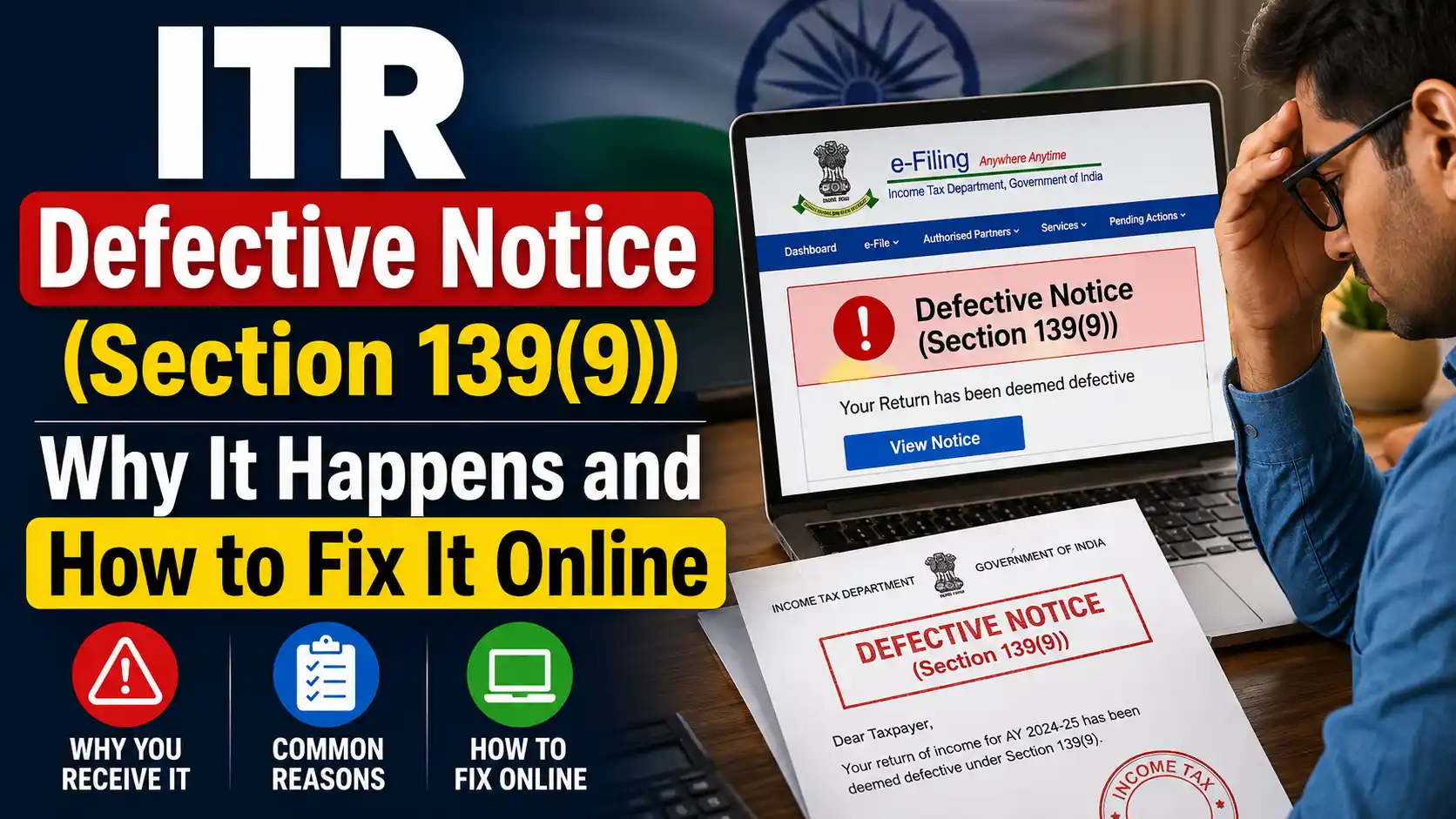
Received an ITR defective notice under Section 139(9)? Understand why it happens, the most common reasons, and the exact step-by-step process to fix it on the e-filing portal within 15 days.
ITR Defective Notice (Section 139(9)): Why It Happens and How to Fix It Online
If you've just filed your Income Tax Return (ITR) and received an email from the Income Tax Department saying your return has been marked "defective," don't panic. This is one of the most common notices sent to first-time and even experienced taxpayers every year, and in most cases it can be fixed online in a few simple steps — as long as you act within the deadline.
This guide explains exactly what a defective return notice under Section 139(9) means, why it's sent, and how to respond to it correctly on the e-filing portal.
What Is a Defective Return Notice Under Section 139(9)?
Section 139(9) of the Income Tax Act empowers the Assessing Officer to treat your filed ITR as "defective" if it contains incomplete, inconsistent, or incorrect information — in the return itself, in its schedules, or for certain other reasons specified by the department. According to the Income Tax Department's own FAQs, a return may be considered defective on account of incomplete or inconsistent information in the return or its schedules, or for any other reason the department specifies.
Once your return is flagged, the department sends a formal notice — via email to your registered email ID, and it's also visible after logging into the e-filing portal — informing you that your return is defective and needs correction.
It's important to understand that a defective notice does not mean you've committed fraud or done something illegal. It simply means the return, as filed, doesn't match the department's validation checks and needs to be corrected before it can be processed.
Top Reasons an ITR Gets Marked Defective
While the department can flag a return defective for several reasons, a handful of errors account for most notices. According to official guidance, the most common ones include:
1. TDS Claimed Without Reporting the Corresponding Income
If your Form 26AS shows that tax has been deducted (TDS) on certain income, but that income itself hasn't been declared anywhere in your return, the system flags a mismatch. Essentially, you're claiming credit for tax deducted on income you haven't reported — which is a classic trigger for a 139(9) notice.
2. Gross Receipts in Form 26AS Higher Than Reported Income
Similarly, if the gross receipts reflected in Form 26AS (against which TDS has been claimed) are higher than the total income reported under all heads in your ITR, the return becomes defective. This usually happens when freelancers, consultants, or small business owners under-report gross receipts while still claiming full TDS credit.
3. Nil Income But Tax Liability Shown as Paid
If your "Gross Total Income" and all individual heads of income are entered as nil or zero, but the return still shows a computed and paid tax liability, this internal inconsistency triggers a defect. It usually points to a data entry error or a mismatch between the income and tax computation sections of the form.
Other common triggers worth knowing about:
- The taxpayer's name in the ITR doesn't match the name recorded against the PAN in the database.
- A taxpayer reporting income under "Profits and Gains of Business or Profession" has not filled in the mandatory Balance Sheet and Profit & Loss Account details.
How to Respond to a Defective Notice Online — Step by Step
If you receive a Section 139(9) notice, you get 15 days from the date of receiving the notice (or the time period specified in the notice itself) to correct the defect. If you need more time, you can request an adjournment or extension before the deadline lapses.
Here's how to file your response on the e-filing portal:
- Log in to the e-filing portal. Visit the official Income Tax e-filing website and log in using your PAN/user ID and password.
- Go to Pending Actions. Navigate to e-File → e-File in response to notice u/s 139(9) (this is typically found under the "Pending Actions" or "Compliance" section, depending on the portal version).
- View the notice details. Open the notice to see the specific error/defect code and description flagged by the department, along with the CPC reference number.
- Choose your response type. You'll usually have two options:
- Agree with the defect and correct the return online by editing the relevant schedule (income details, TDS schedule, balance sheet, etc.) directly on the portal.
- Disagree with the defect, in which case you'll need to submit a written explanation justifying why you believe the return is not defective.
- Correct the identified fields. If you're agreeing with the defect, the portal will guide you to the exact section that needs correction — for example, adding the missing income that corresponds to TDS claimed, or fixing the Gross Total Income figure.
- Validate and submit. Once corrections are made, validate the return using your Aadhaar OTP, EVC, DSC, or net banking — the same methods used for original e-verification.
- Download the acknowledgment. After successful submission, save the acknowledgment for your records.
A few important points to keep in mind:
- You cannot edit or withdraw your response once it has been submitted on the portal, so double-check all corrected fields carefully before final submission.
- You can authorize another person (such as a tax professional or family member) to respond to the notice on your behalf, if needed.
- If the original filing deadline for that assessment year hasn't lapsed yet, you also have the option of simply filing a fresh or revised return instead of responding to the notice directly.
What Happens If You Don't Respond in Time?
This is the part taxpayers should take most seriously. If you fail to respond to the defective notice within the stipulated period, your return will be treated as invalid — effectively as if you never filed a return for that assessment year. This can lead to consequences such as:
- Penalty and interest for non-filing
- Loss of the ability to carry forward certain losses
- Loss of specific exemptions or deductions you may have otherwise been eligible for
Once the filing deadline for that assessment year has also passed, you won't be able to file a fresh or revised return — responding to the 139(9) notice becomes your only route to keep the return valid.
Frequently Asked Questions (FAQs)
Q1. What does "defective return" mean under the Income Tax Act?
A return is called defective when it contains incomplete or inconsistent information — in the main form or its schedules — or fails certain validation checks specified by the Income Tax Department.
Q2. How will I know if my ITR has been marked defective?
The department sends a notice under Section 139(9) to your registered email ID (and by post, in some cases). You can also view it by logging into the e-filing portal under pending notices/actions.
Q3. How many days do I get to respond to a defective notice?
You get 15 days from the date of receiving the notice, or the period mentioned in the notice itself. You may also apply for an extension if you need more time.
Q4. Can I revise my response after submitting it on the e-filing portal?
No. Once submitted, a response to a defective notice cannot be edited or withdrawn, so review all details carefully before final submission.
Q5. Can someone else respond to the notice on my behalf?
Yes, you can authorize another person, such as a chartered accountant or tax consultant, to respond to the defective notice on your behalf.
Q6. Can I correct the defect directly online?
Yes. The e-filing portal allows you to correct the flagged sections of your ITR form online and resubmit it as your response to the notice.
Q7. What if I miss the 15-day deadline?
If you don't respond within the given time, your return will be treated as invalid, which may result in penalties, interest, denial of loss carry-forward, and loss of certain exemptions, as applicable under the Income Tax Act.
Q8. Can I file a fresh return instead of responding to the notice?
Yes, but only if the original filing deadline for that assessment year has not yet lapsed. Once that deadline passes, responding to the Section 139(9) notice is the only way to keep your return valid.
Q9. What are the most common reasons for getting a defective notice?
The most frequent triggers are: TDS claimed without reporting the corresponding income, gross receipts in Form 26AS exceeding total reported income, nil income shown alongside a paid tax liability, PAN-ITR name mismatches, and missing Balance Sheet/P&L details for business income.
Q10. Is a defective return notice the same as a scrutiny notice?
No. A defective notice under Section 139(9) is a data-validation flag pointing out inconsistencies in the return itself, whereas scrutiny notices (under sections like 143(2)) involve a deeper review of the return's accuracy and supporting documents.
Disclaimer: This article is for general informational purposes only and does not constitute legal or tax advice. For notices specific to your case, it's advisable to consult a qualified tax professional or chartered accountant. For official guidance, refer to the Income Tax Department's FAQs on Response to Defective Notice 139(9).